Settings
Notifications
Control which email notifications you receive from ScaleTalk.
Notifications
The Notifications tab lets you control which email notifications ScaleTalk sends to your account email address. Each notification type can be toggled on or off independently.
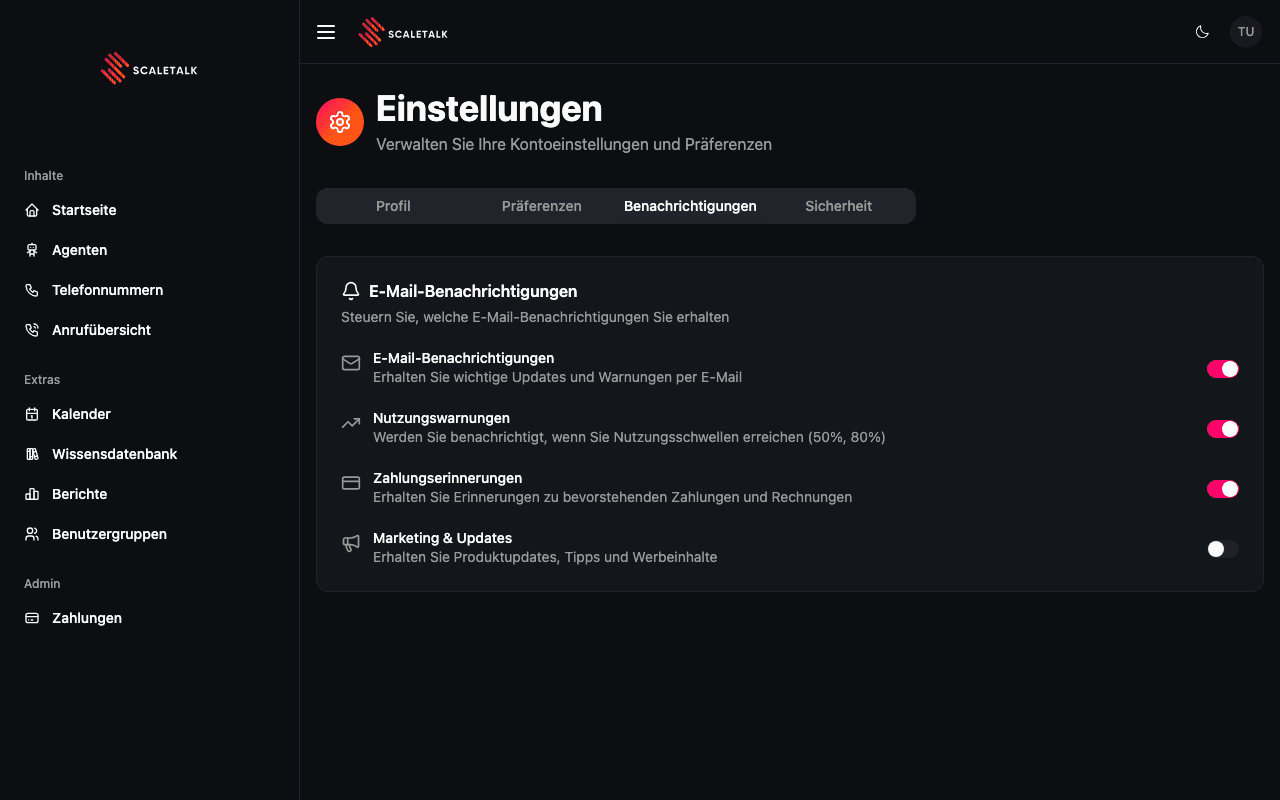
Email Notification Settings
| Notification | Description | Default |
|---|---|---|
| Email Notifications | Receive important updates and alerts via email | On |
| Usage Alerts | Get notified when you reach usage thresholds (50%, 80%) | On |
| Payment Reminders | Receive reminders about upcoming payments and invoices | On |
| Marketing & Updates | Receive product updates, tips, and promotional content | Off |
How It Works
- Click the toggle switch next to any notification type to enable or disable it
- Changes are saved automatically when you toggle a switch
- A confirmation toast appears after each change
Usage Alerts
Usage alerts notify you when your credit consumption reaches 50% and 80% of your available balance. This is especially useful for Pay-As-You-Go users to avoid running out of credits unexpectedly.
Transactional Emails
Some emails -- such as password reset requests and account verification -- are always sent regardless of your notification preferences. These are required for account security.