Settings
Profile
Update your display name and view your account information.
Profile
The Profile tab displays your personal information and lets you update your display name.
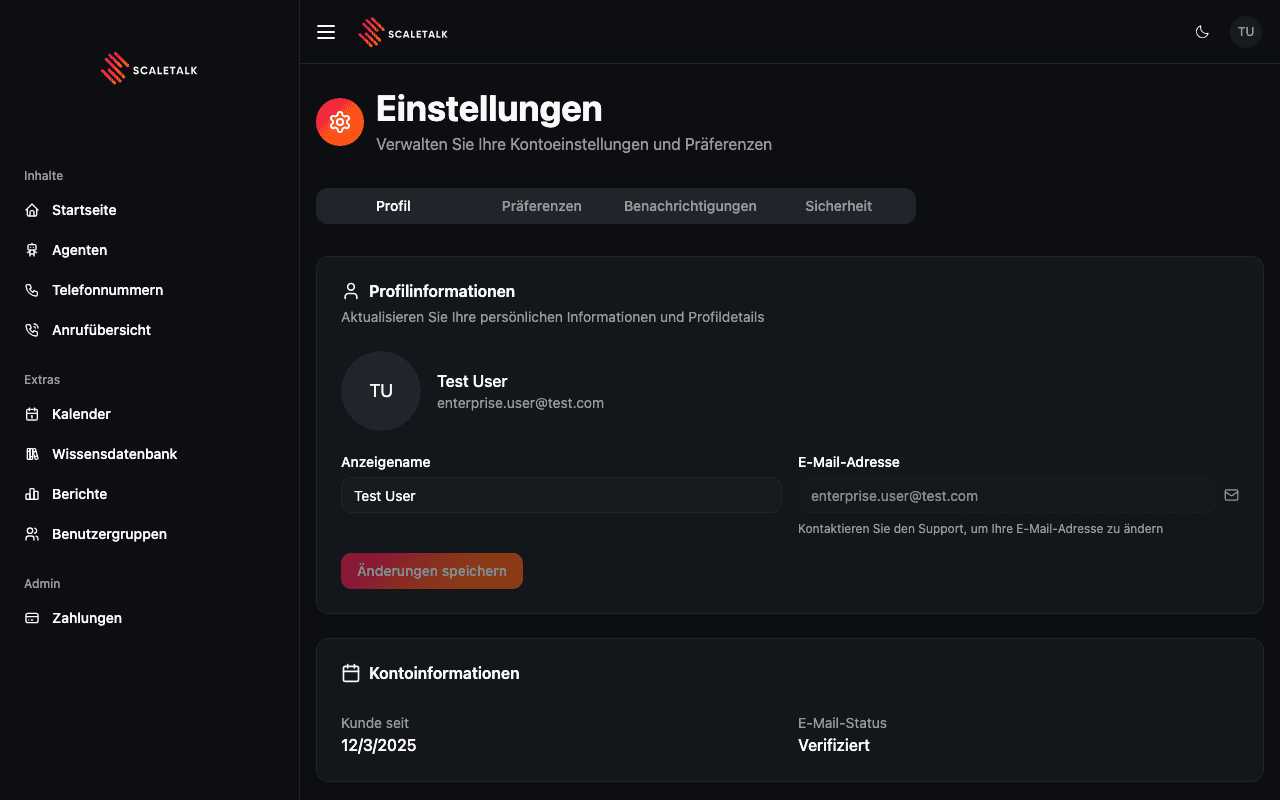
Profile Information
The top section shows your avatar, name, and email address. You can edit your display name directly in the form.
| Field | Description |
|---|---|
| Display Name | Your name shown across the platform. Editable. |
| Email Address | Your login email. Read-only -- contact support to change it. |
| Avatar | Displays your initials or profile image from a connected account (e.g. Google). |
Updating Your Name
- Edit the Display Name field
- Click Save Changes
- A confirmation toast appears when the update succeeds
Email Changes
Your email address cannot be changed from the Settings page. Contact ScaleTalk support if you need to update your email.
Account Information
Below the profile form, the Account Information card shows:
| Field | Description |
|---|---|
| Member Since | The date your account was created |
| Email Status | Whether your email address has been verified |