Security
Change your password, manage connected accounts, and review active sessions.
Security
The Security tab provides tools to manage your account security, including password changes, connected login methods, and active session management.
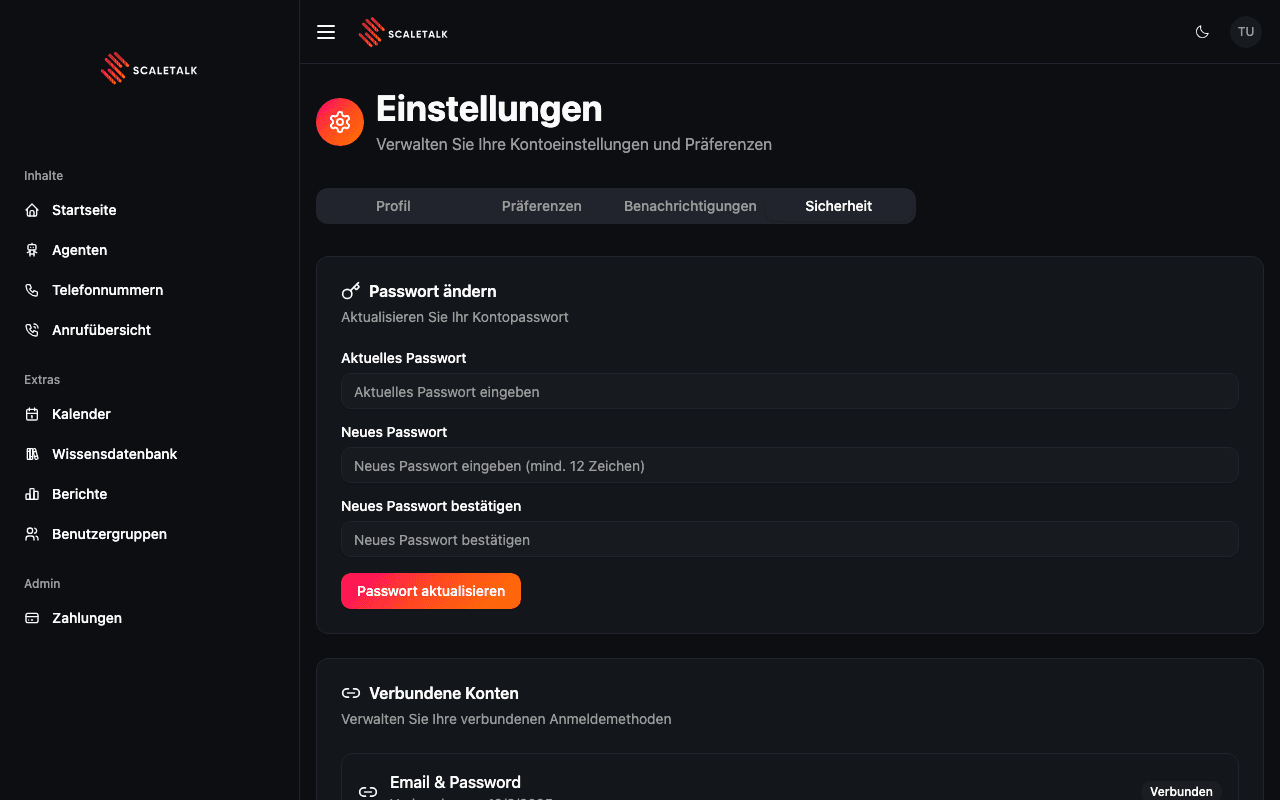
Change Password
If you signed up with email and password, you can update your password here.
| Field | Description |
|---|---|
| Current Password | Your existing account password |
| New Password | Must be at least 12 characters |
| Confirm New Password | Re-enter the new password to confirm |
After filling in all fields, click Update Password to apply the change.
OAuth-Only Accounts
If you signed up exclusively through Google or Microsoft, the password section shows a notice that password changes are not available. You authenticate through your connected provider instead.
Connected Accounts
This section shows which login methods are linked to your account. Each connected account displays:
- Provider -- The authentication provider (Email & Password, Google, Microsoft)
- Connected on -- The date the account was linked
- Status -- Shows a "Connected" badge
Supported providers:
| Provider | Description |
|---|---|
| Email & Password | Standard email/password login |
| Sign in with your Google account | |
| Microsoft | Sign in with your Microsoft account |
Active Sessions
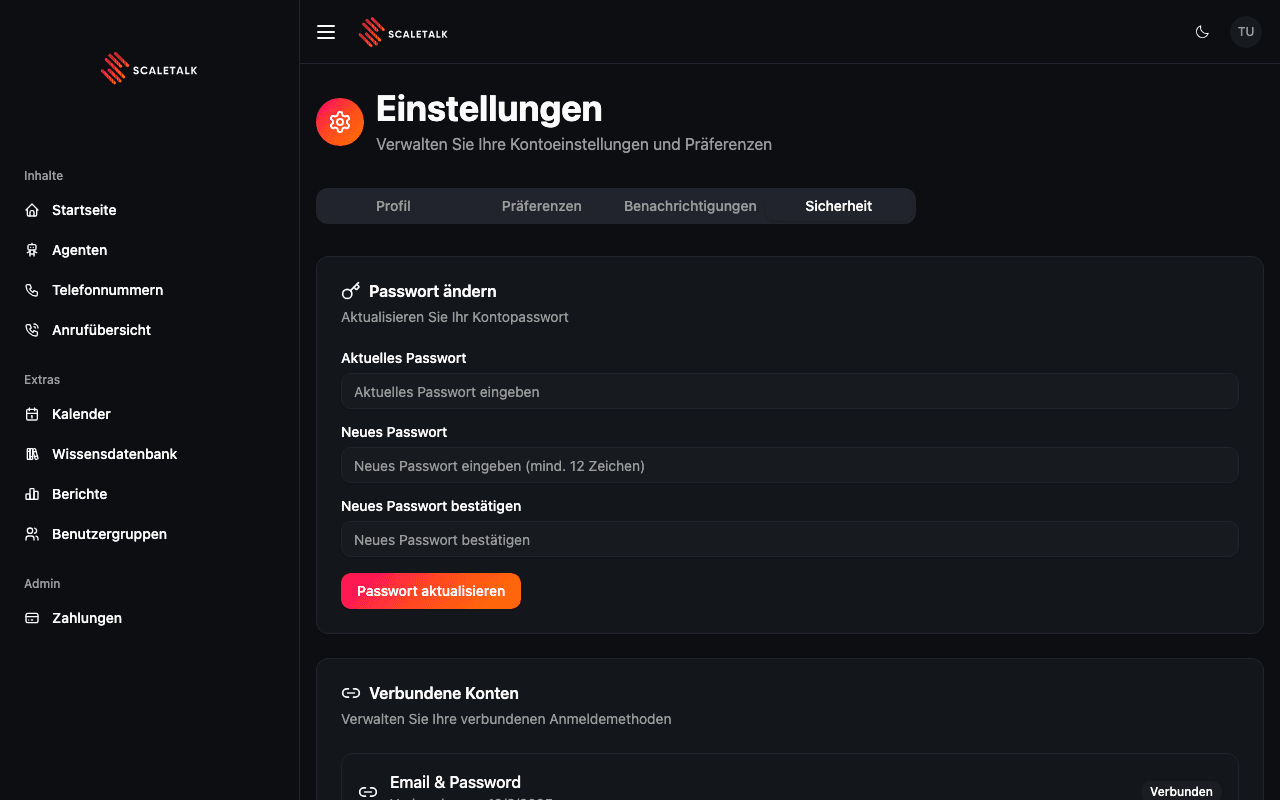
The Active Sessions section lists all devices and browsers currently logged into your account.
Each session displays:
| Detail | Description |
|---|---|
| Browser & OS | The browser and operating system (e.g. "Chrome on macOS") |
| Current Session | A badge marking your active session |
| IP Address | The IP address of the session |
| Last Active | When the session was created or last used |
Managing Sessions
- Revoke a single session -- Click the Revoke button next to any session that is not your current one. This logs that device out immediately.
- Revoke all other sessions -- Click Revoke All Other Sessions in the header to log out all devices except your current one. A confirmation dialog appears before this action is executed.
Security Best Practice
Regularly review your active sessions and revoke any that you do not recognize. If you see an unfamiliar session, change your password immediately and revoke all other sessions.