Settings
Preferences
Configure your language, timezone, and date format settings.
Preferences
The Preferences tab lets you configure regional and display settings for the ScaleTalk application.
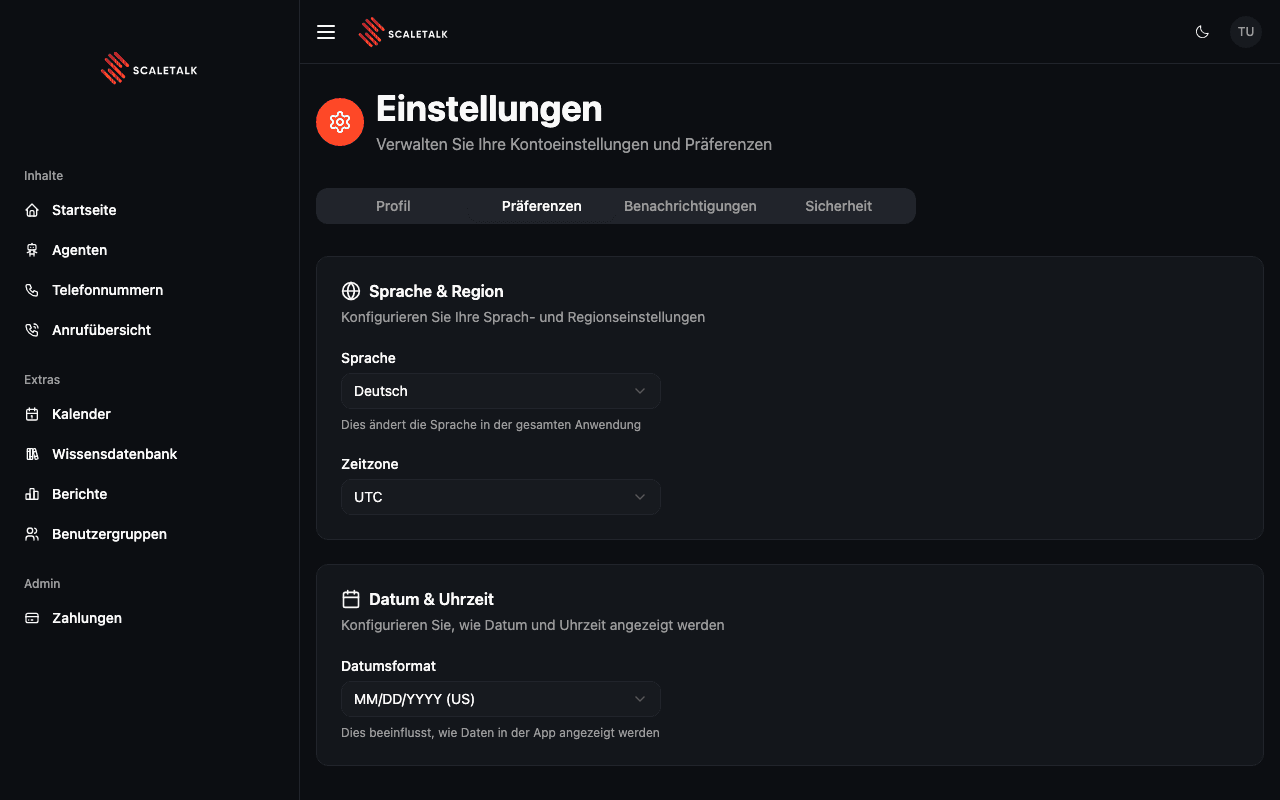
Language & Region
Language
Choose between English and German (Deutsch). This changes all UI labels, menus, and system messages throughout the application.
| Language | Code |
|---|---|
| English | en |
| Deutsch | de |
Immediate Effect
Changing the language refreshes the page and applies the new language across the entire application immediately.
Timezone
Select your timezone to ensure dates and times across the platform display correctly. Supported timezones include:
| Region | Timezones |
|---|---|
| Americas | Eastern, Central, Mountain, Pacific (US & Canada) |
| Europe | London, Paris, Berlin, Zurich, Vienna |
| Asia-Pacific | Tokyo, Shanghai, Singapore, Sydney |
| Other | UTC |
Date & Time
Date Format
Choose how dates are displayed throughout the application:
| Format | Example | Region |
|---|---|---|
| MM/DD/YYYY | 01/15/2025 | US |
| DD/MM/YYYY | 15/01/2025 | Europe |
| YYYY-MM-DD | 2025-01-15 | ISO standard |
| DD.MM.YYYY | 15.01.2025 | Germany |
Changes to timezone and date format are saved automatically when you make a selection.