Help & support
Where to find answers and how to reach the team.
Help & support sits at the very bottom of the sidebar and is the direct line to the ScaleTalk team.
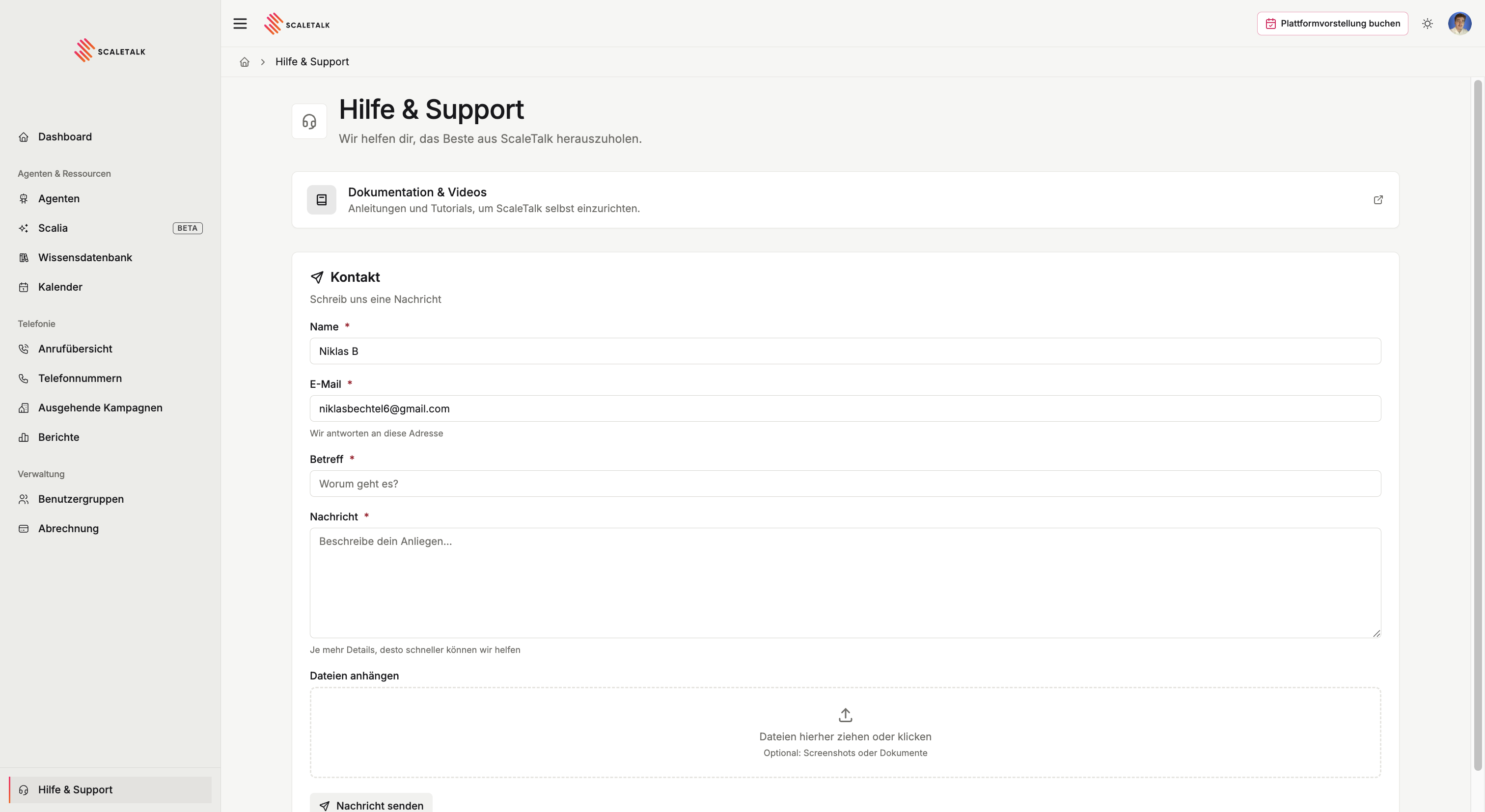
Documentation & videos
The upper section points at exactly this documentation, including the video guides for every area of the platform. For most questions that is faster than raising a request, because you can keep working straight away.
Contact form
Below it you reach the team directly. Name, email, subject and message are required. The reply goes to the address you enter, which need not be the one on your account.
You can also attach files, by drag and drop or selection.
What makes a request fast
Turnaround depends almost entirely on how unambiguously the problem is described. What helps:
- The agent involved, named exactly as it appears in the agent list
- A specific call, with the date and time from the call overview. That lets support pull the conversation and its transcript immediately
- What you expected and what happened instead
- A screenshot, when it concerns something visible in the interface
Worth checking first
A share of requests can be resolved in two minutes:
| Symptom | First place to look |
|---|---|
| Agent does not answer the phone | Is it still a draft, and does it have a number under Connect? |
| Agent mishears names or jargon | Speech recognition, add keyterms |
| Agent mispronounces a name | Pronunciation dictionary |
| Agent transfers too often | The condition on call transfer is too broad |
| Calls drop | Call overview, read the transcript of the affected call |
| A number takes no calls | Phone numbers |
Urgent outages
For a live outage, for instance a hotline that has become unreachable, say so explicitly in the subject. Name the affected number and since when the problem has been occurring.