Connect the agent
Assign an inbound number and set the outbound caller ID.
In the Connect tab the agent gets its phone number. Only then can it be reached from outside.
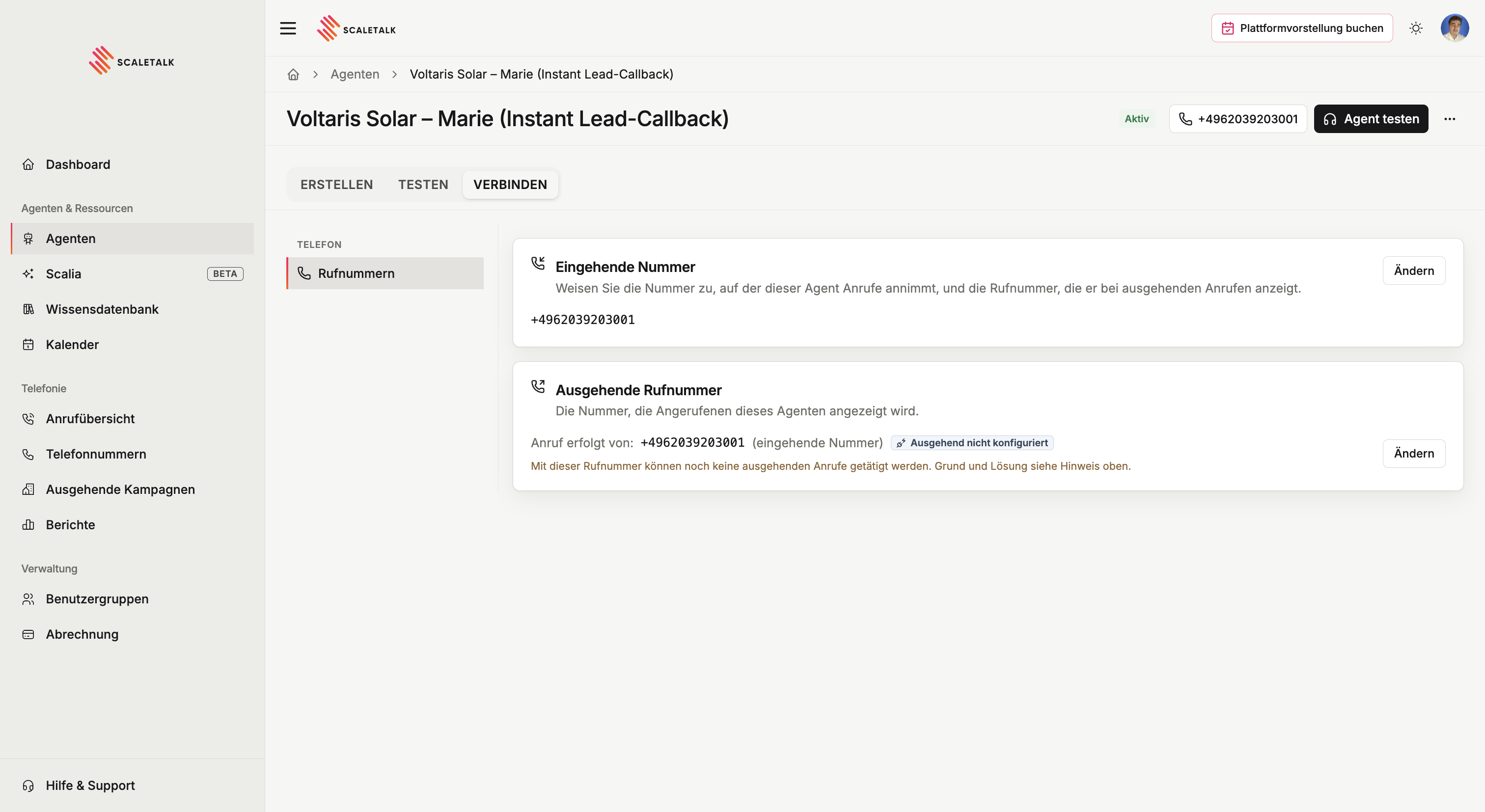
Inbound number
The number this agent answers calls on. Use Assign number to pick one from your inventory.
A number always belongs to exactly one agent. To move it, assign it on the new agent and the old assignment is released.
As long as this says No number, the agent is only reachable through the browser test.
No number in your account yet?
Under Phone numbers you can buy a new number or import an existing one over SIP trunking, for example from fonial or Twilio. An imported number keeps its caller ID.
Outbound caller ID
The number shown to people this agent calls, for instance as part of an outbound campaign.
If this says No caller ID available, the agent has no number assigned yet. Assign an inbound number first and it becomes available as a sender too.
Show a number people can call back
If the agent displays a number nobody answers, callbacks go nowhere. Use a caller ID that reaches either an agent or a human.
Ready to go
Once an inbound number is assigned and the agent is no longer marked Draft, it takes calls. From then on every call appears in the call overview.